SMART DISPLAYBoard tested
Circle
GUITION ESP32-2424S012C
A compact gauge for your battery bank.
1.28-inch touch · 240 × 240 · ESP32-C3
Amazon link · We may earn a commission.
See your Bluetooth batteries in MultiBMS. Use an ESP32 display or gateway to monitor your packs over home Wi-Fi. Pro preview adds access away from home.
SMART DISPLAYBoard tested
GUITION ESP32-2424S012C
A compact gauge for your battery bank.
1.28-inch touch · 240 × 240 · ESP32-C3
Amazon link · We may earn a commission.
SMART DISPLAYBoard tested
ESP32-2432S028R
Pack 1. Pack 2. Group. Cells. One swipe away.
2.8-inch touch · 320 × 240 · Classic ESP32
Amazon link · We may earn a commission.
SMART DISPLAYPreview bench-tested
Elecrow ESP32-P4 + ESP32-C6
Give your battery bank the big-screen treatment.
7-inch touch · 1024 × 600 · Bare board
Amazon link · We may earn a commission.
ESP32 GATEWAYBuild verified
Espressif ESP32-WROOM-32E
A familiar board. A connected battery bank.
Screenless gateway · Classic ESP32 · 4 MB flash target
Amazon link · We may earn a commission.
ESP32 GATEWAYBuild verified
WEMOS ESP32-S3FH4R2
Small board. Room for a bigger setup.
Screenless gateway · 4 MB flash · 2 MB PSRAM
Amazon link · We may earn a commission.
ESP32 GATEWAYBuild verified
Seeed Studio XIAO ESP32C3
A tiny gateway for a tidy installation.
Screenless gateway · ESP32-C3 · USB-C
Amazon link · We may earn a commission.
ESP32 GATEWAYExperimental
GL-C-017WL-D · Wi-Fi version
Another way to build a battery gateway.
ESP32 controller · MultiBMS testing planned
Amazon link · We may earn a commission.
ESP32 GATEWAYGuide only
GL-C-618WL · Elite 4D-EXMU
A wired option on our testing roadmap.
ESP32 controller · Ethernet hardware · Testing planned
Amazon link · We may earn a commission.
Supported Bluetooth packs → gateway → your Wi-Fi.
Illustrative renders · Check your exact board
As an Amazon Associate I earn from qualifying purchases.
Hardware catalog
Explore the round GUITION, the Cheap Yellow Display, and the 7-inch CrowPanel. Check the exact board and firmware status before choosing one.
See displays and firmware →Gateway preview
Place a compatible ESP32 gateway near your packs. See readings on the same network without a Pro subscription. The catalog also lists screenless boards and the GLEDOPTO Ethernet compatibility guide.
Compare gateway boards →Pro preview
Use cellular data or another Wi-Fi network to view readings through the MultiBMS relay. Your gateway stays online and near the batteries.
How remote access works →In development
Companion Mode is being tested on Android. Pair the spare device with a QR code and choose the packs it should monitor on your home Wi-Fi. iPhone and iPad hosting still need device testing.
Send the issue from this page. Include your BMS, phone, vehicle, or battery setup if you can. Real reports help me fix problems and add support for hardware people actually use.
Monitor every pack, understand every cell, create complete battery banks, and choose how live energy moves across your screen.
Voltage, current, power, charge state, capacity, temperature, cycles, and status across multiple connected packs.
Create parallel or series banks with combined totals while retaining full access to each member battery.
Minimum, maximum, delta, balancing state, weak-cell warnings, and multiple visual layouts.
Energy Rail, Orbit, and Mist make charge and discharge direction instantly understandable.
Set low pack voltage, low cell voltage, high temperature, and Watch alerts for each use case.
Four included styles and a collection of optional skins for RV, marine, industrial, racing, and custom builds.
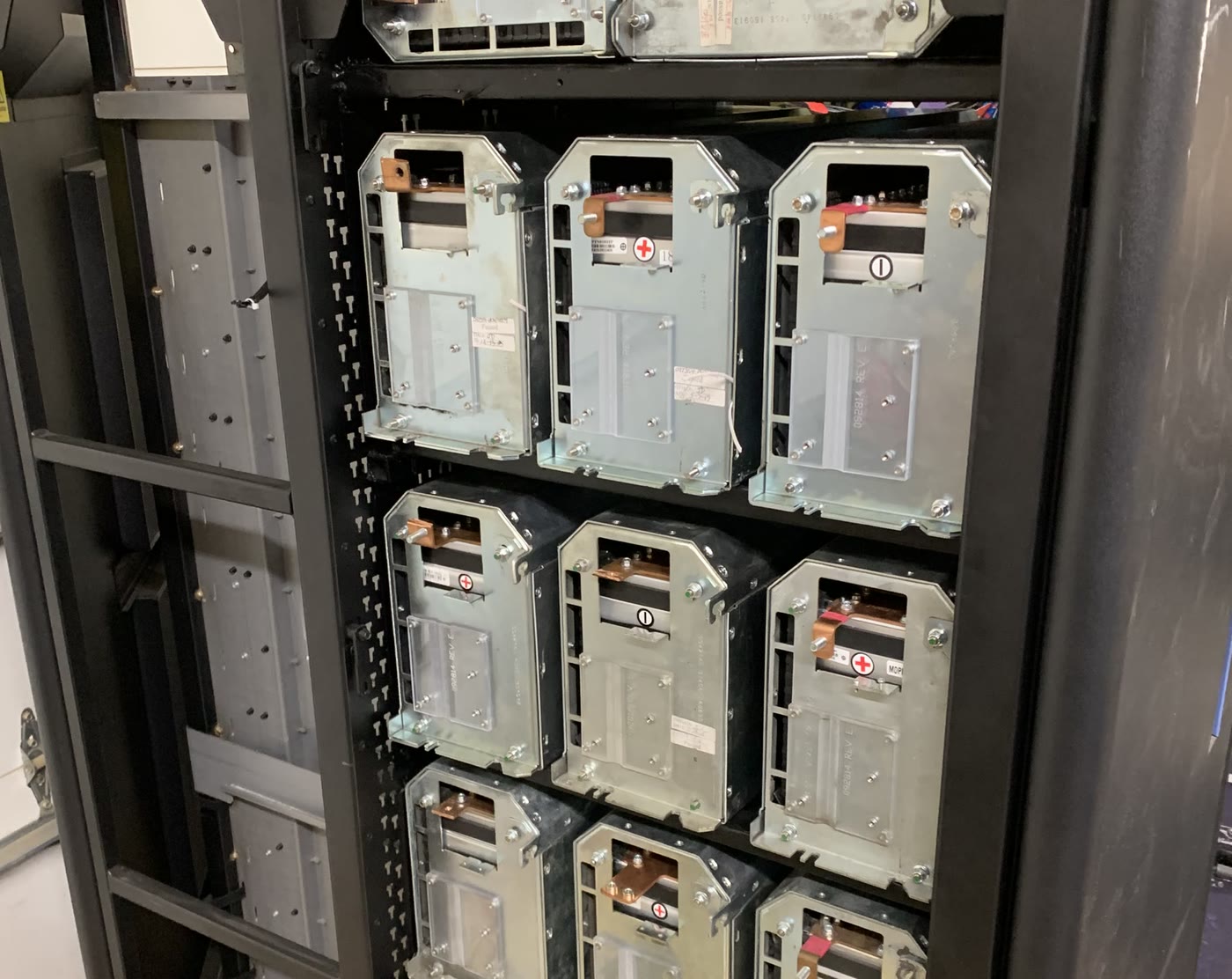
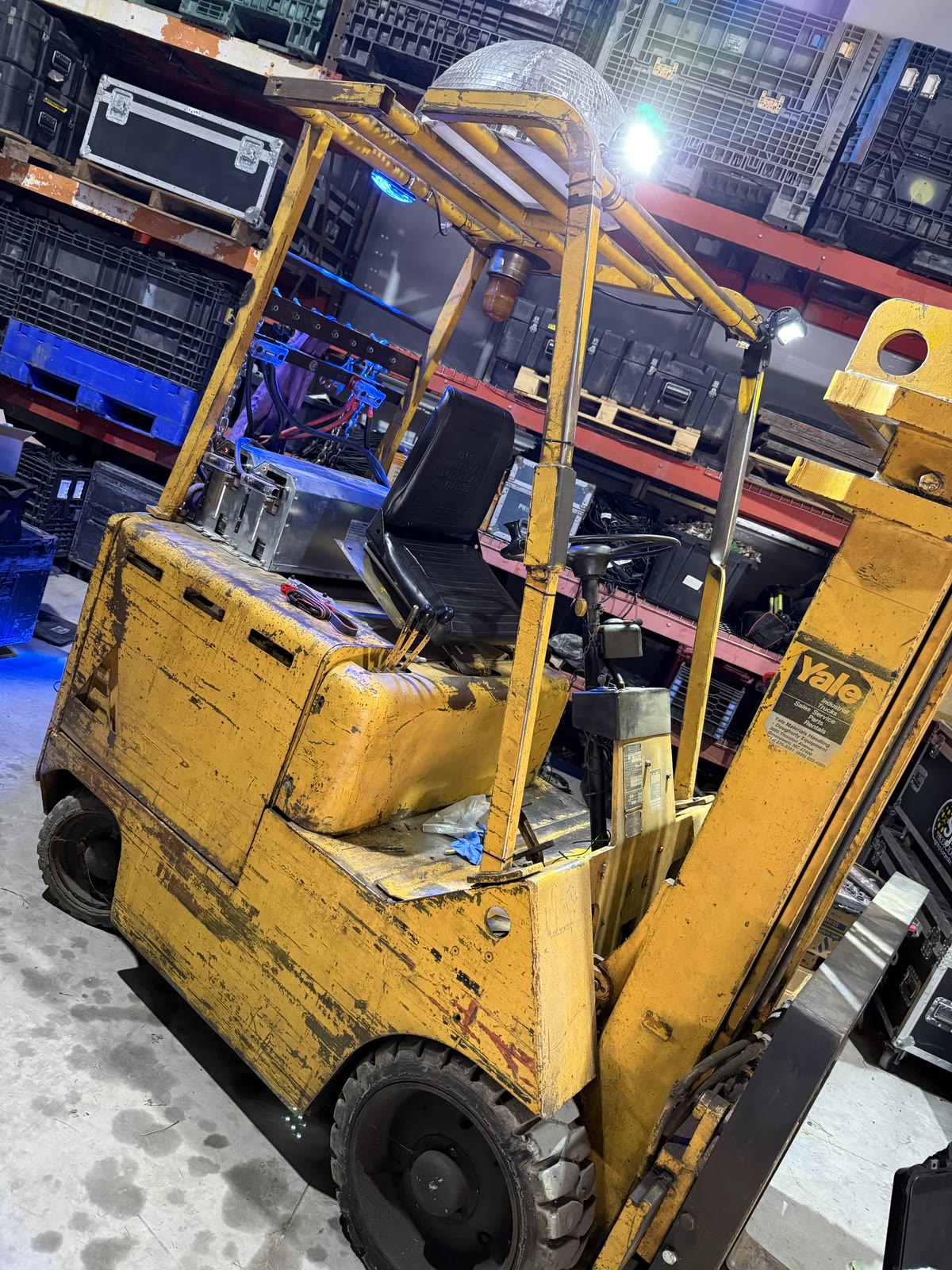
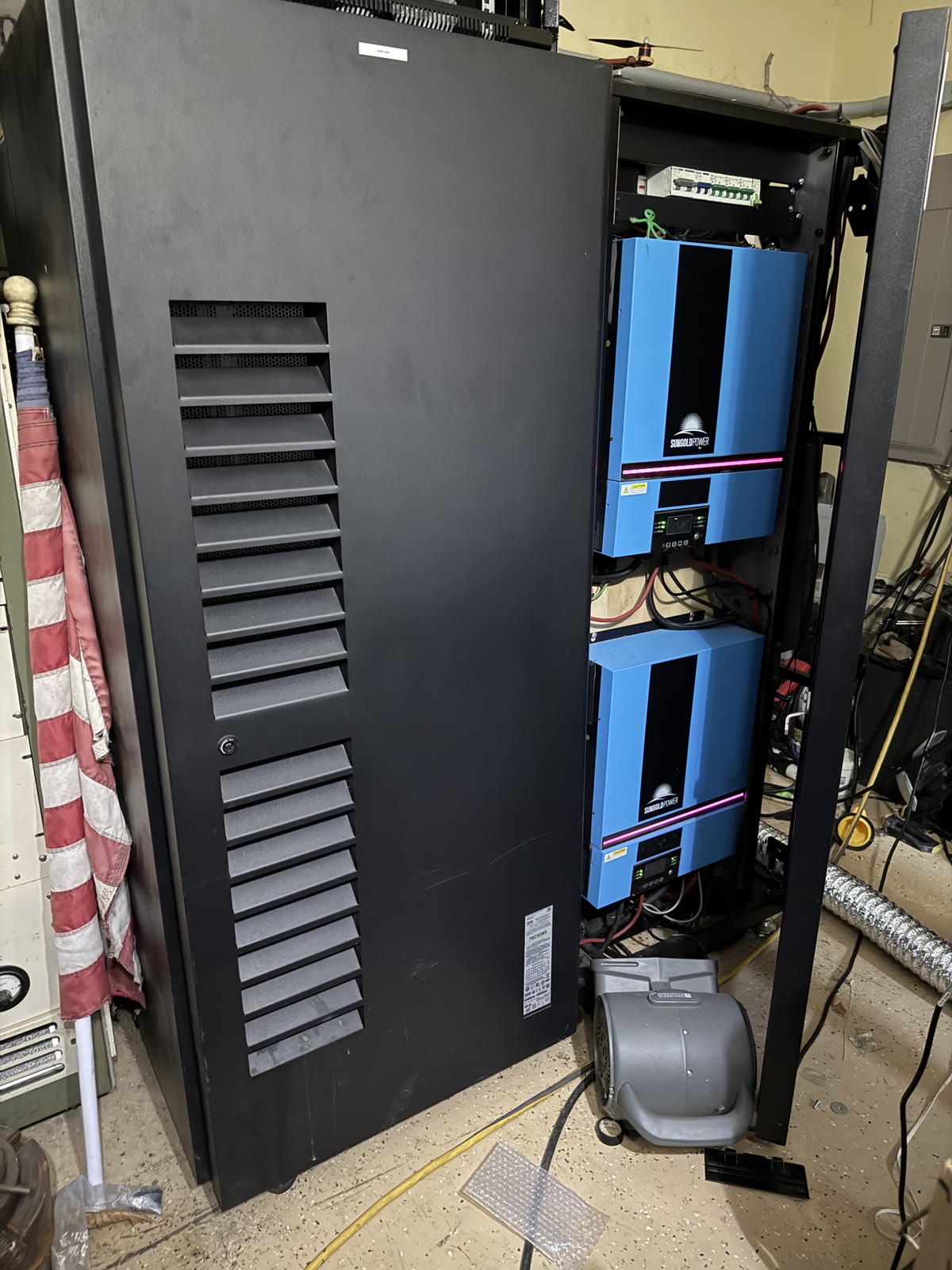
MultiBMS was not designed against a spec sheet. It was written while wiring these, and every protocol in it exists because something here needed reading.
Group batteries into a real bank and see the combined result without losing access to the individual packs underneath.

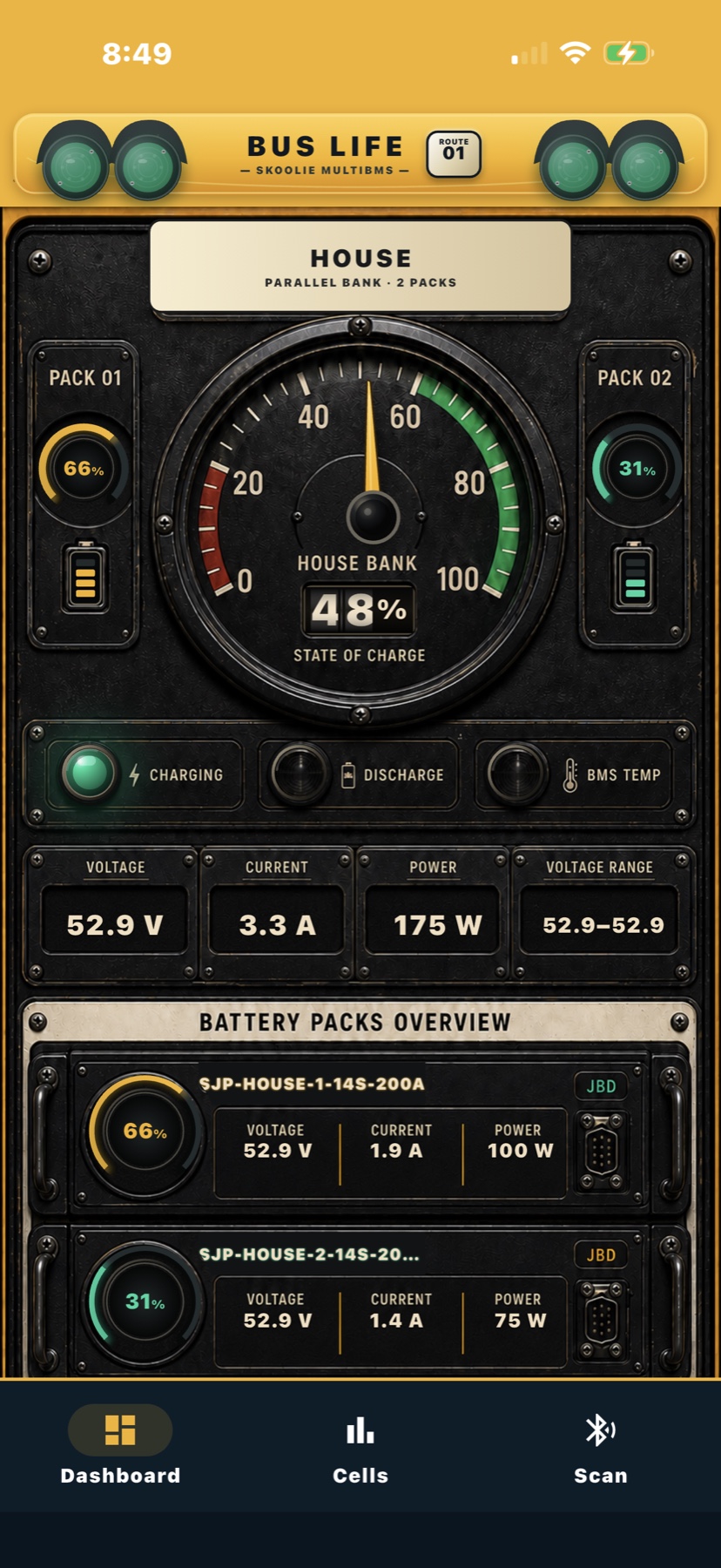
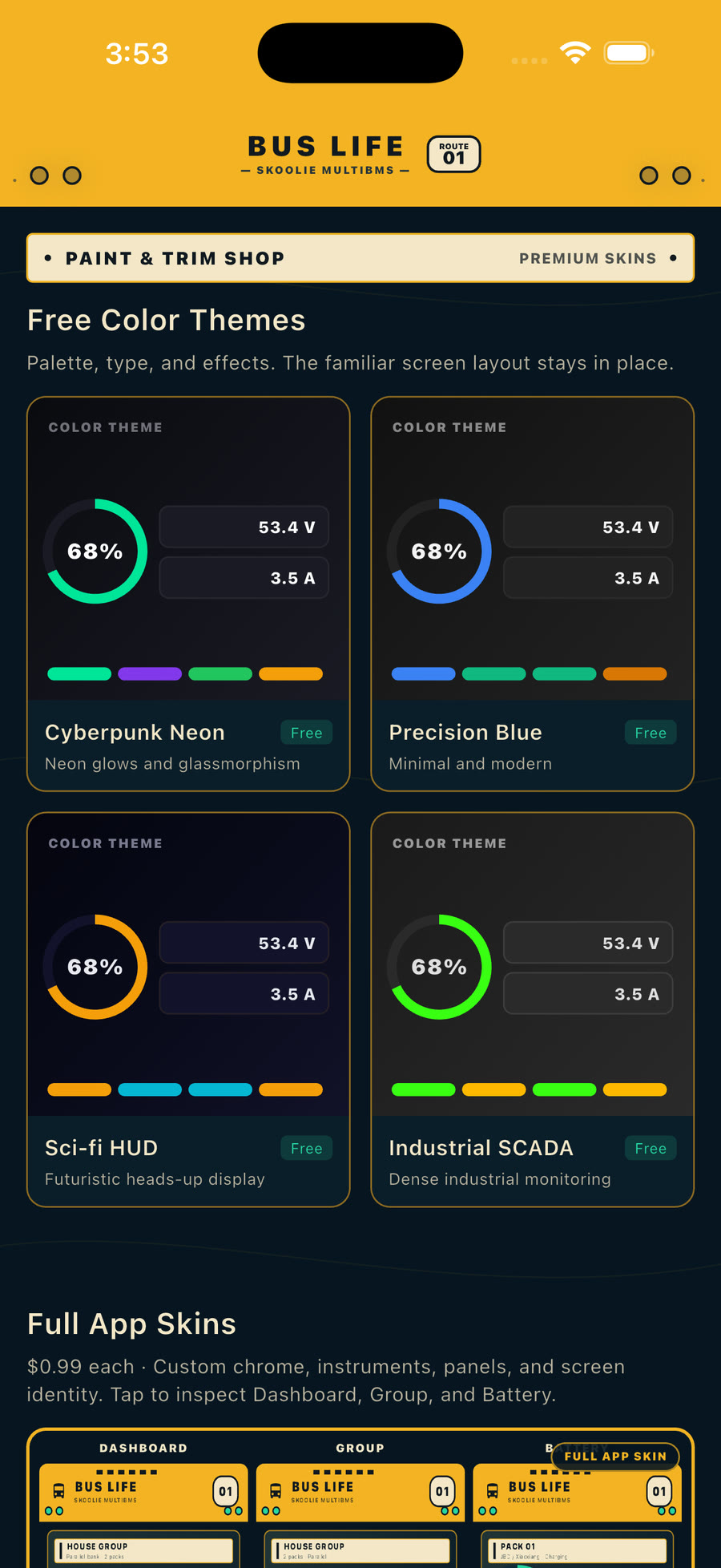
Bus Life is a full premium skin, not just a color swap. It reshapes MultiBMS into a warm, skoolie-inspired instrument panel while keeping live battery data and controls functional.
More premium skins are coming for different builds, vehicles, and battery setups.
If your hardware, layout, or workflow needs something different, send feedback. I’m happy to listen, make changes where they help, and work with real users to get them going.
Share your setup →This is a real screen recording from a golf cart test. MultiBMS captures speed, G-force, distance, voltage, current, power, temperature, and cell values together. Stop the run, open it, and review the results in the same app.

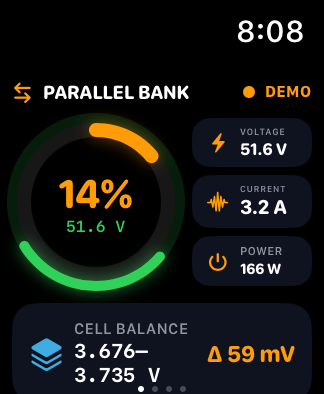
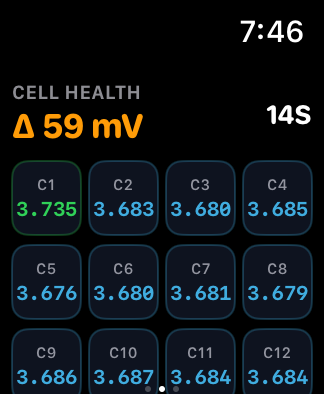
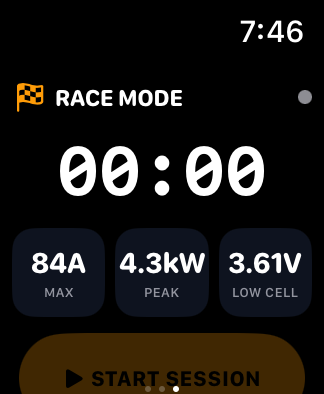
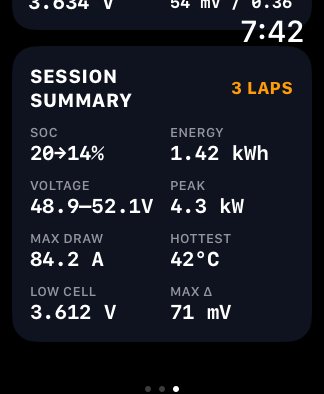
Create profiles for e-bikes, scooters, ATVs, karts, boats, or custom machines. Choose the battery, Watch screens, sensors, lap controls, and safety thresholds that matter.
Real MultiBMS screens from a live two-pack JBD/Xiaoxiang installation.


MultiBMS recognizes supported BMS protocols and clearly distinguishes directly tested families from beta support that can vary by model and firmware.
Brand names are used only to identify compatible hardware. MultiBMS is independent and is not affiliated with, certified by, sponsored by, or endorsed by any BMS manufacturer. All trademarks belong to their respective owners.
I’m looking for a small group of people with different phones, vehicles, batteries, and BMS hardware. You don’t need to be technical. Clear feedback about what works and what feels confusing is just as useful.
Android Watch support is plannedEnter the Google Account email you use for Google Play. The request is sent from this page.
No email app opens. Your address is used only for beta access and project updates.
Straight answers, including the ones that are not flattering.
MultiBMS ships 30 Bluetooth Low Energy BMS protocols. Two of them, JiKong/JK and JBD/Xiaoxiang, are confirmed against real hardware. The other 28 are beta: the decoder is written and tested against captured frames from that BMS, but it has not yet been run against a physical pack. Every family carries a Tested or Beta badge on the compatibility page.
The iPhone app is a one-time $0.99 purchase in the US App Store. Optional cosmetic skins are separate one-time purchases. Firmware for supported gateways and local Wi-Fi access are free. MultiBMS Pro is in preview and adds paid remote access through our server in compatible app builds.
Not publicly, not yet. The Android build exists and runs the same protocols, but it is in internal testing only. The version you can install today is MultiBMS for iPhone and Apple Watch. You can ask for a beta spot from the Android section of this page.
Yes. Direct Bluetooth monitoring works without internet access. A supported gateway also lets you view your battery packs on the same local Wi-Fi network without a Pro subscription. Optional Pro remote access uses an internet connection and sends gateway battery data through our server. Recordings stay on the device unless you export them.
Yes. Connect several packs and group them into a bank, in parallel or in series, to see combined voltage, current, power, capacity and state of charge, with every member pack still one tap away.
Yes, wherever the BMS reports them. MultiBMS shows each cell voltage with the minimum, maximum and delta, balancing state, weak-cell warnings, temperatures and a live short history.
Live pack state of charge, voltage, power, temperature and cell delta, plus ride screens for GPS speed, G-force and lap timing. You choose which screens appear for each ride profile.
No. The supported parsers are read-only telemetry: voltage, current, state of charge, temperature and cell voltages. MultiBMS does not write configuration to your BMS, and it should not be your only source of safety-critical battery information.
Still unsure about your hardware? See the full protocol list →
Live Bluetooth battery monitoring works offline. Supported gateway firmware and home Wi-Fi access are free. Optional Pro connects your gateway through our server for remote viewing.